

qwen3.5, glm-5:cloud, kimi-k2.5:cloud.
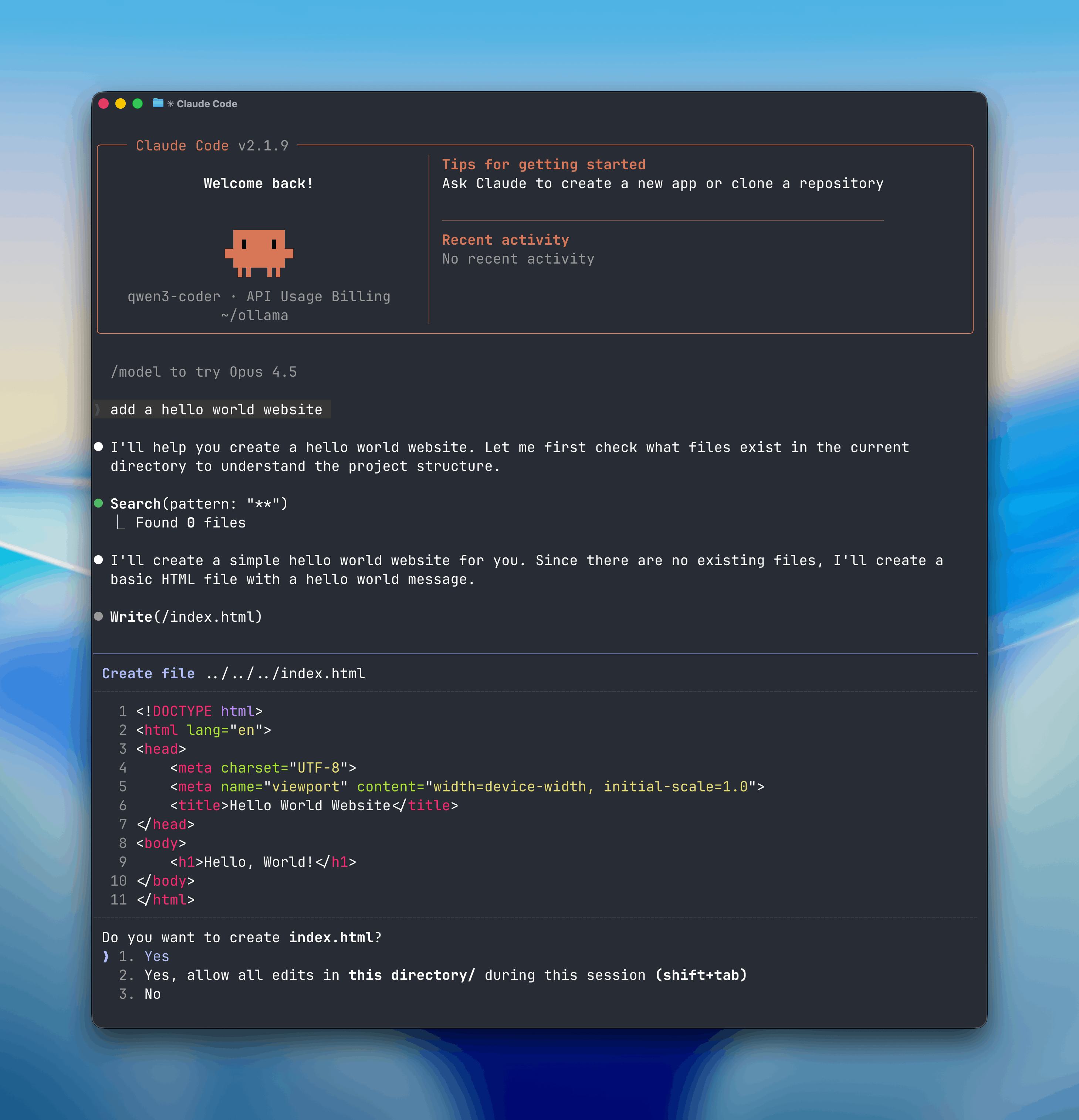
Install
Install Claude Code:Usage with Ollama
Quick setup
Run directly with a model
Recommended Models
kimi-k2.5:cloudglm-5:cloudminimax-m2.7:cloudqwen3.5:cloudglm-4.7-flashqwen3.5
Non-interactive (headless) mode
Run Claude Code without interaction for use in Docker, CI/CD, or scripts:--yes flag auto-pulls the model, skips selectors, and requires --model to be specified. Arguments after -- are passed directly to Claude Code.
Web search
Claude Code can search the web through Ollama’s web search API. See the web search documentation for setup and usage.Scheduled Tasks with /loop
The /loop command runs a prompt or slash command on a recurring schedule inside Claude Code. This is useful for automating repetitive tasks like checking PRs, running research, or setting reminders.
Examples
Check in on your PRsTelegram
Chat with Claude Code from Telegram by connecting a bot to your session. Install the Telegram plugin, create a bot via @BotFather, then launch with the channel flag:--dangerously-skip-permissions in isolated environments.
See the plugin README for full setup instructions including pairing and access control.
Manual setup
Claude Code connects to Ollama using the Anthropic-compatible API.- Set the environment variables:
- Run Claude Code with an Ollama model: