
Prerequisites
- Ollama v0.18.3+
- VS Code 1.113+
- GitHub Copilot Chat extension 0.41.0+
VS Code requires you to be logged in to use its model selector, even for custom models. This doesn’t require a paid GitHub Copilot account; GitHub Copilot Free will enable model selection for custom models.
Quick setup
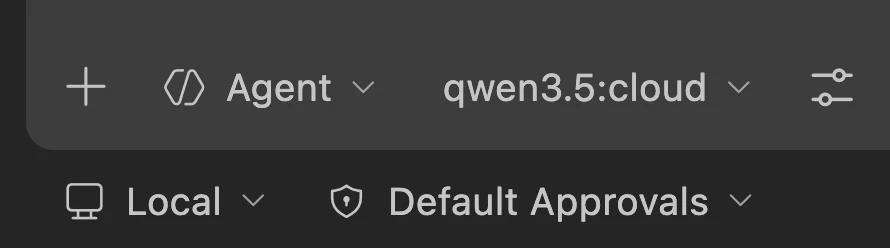
Run directly with a model
Manual setup
To configure Ollama manually withoutollama launch:
-
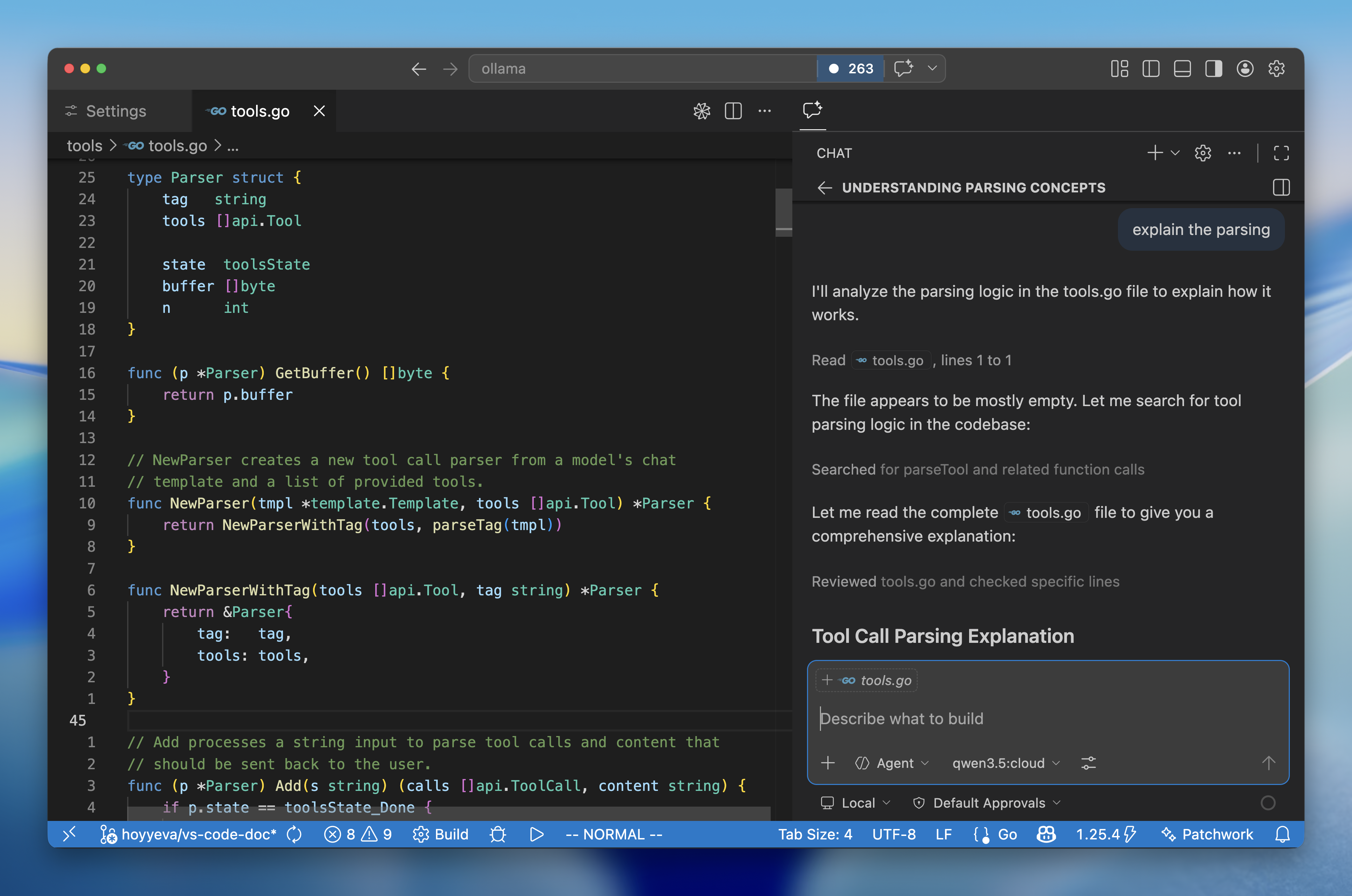
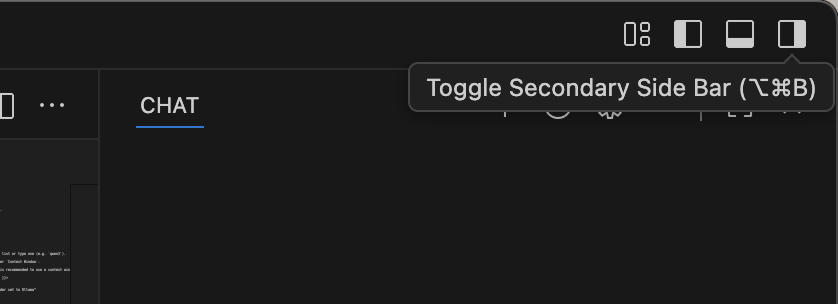
Open the Copilot Chat side bar from the top right corner
-
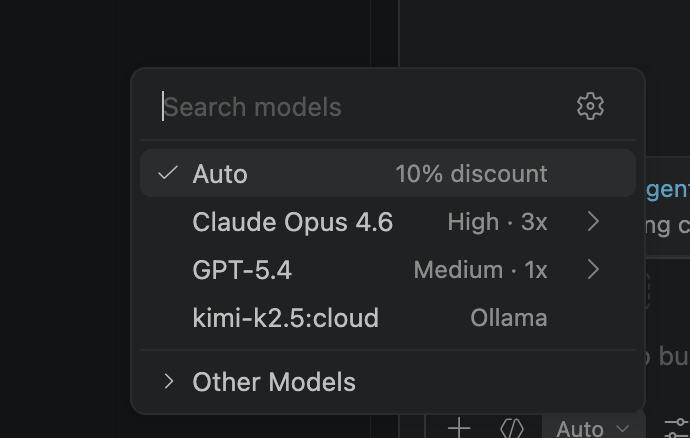
Click the settings gear icon () to bring up the Language Models window
-
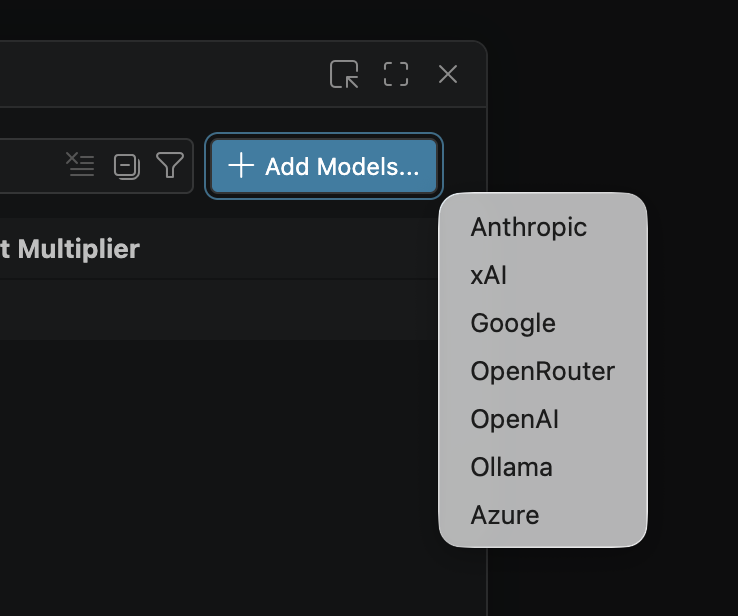
Click Add Models and select Ollama to load all your Ollama models into VS Code
-
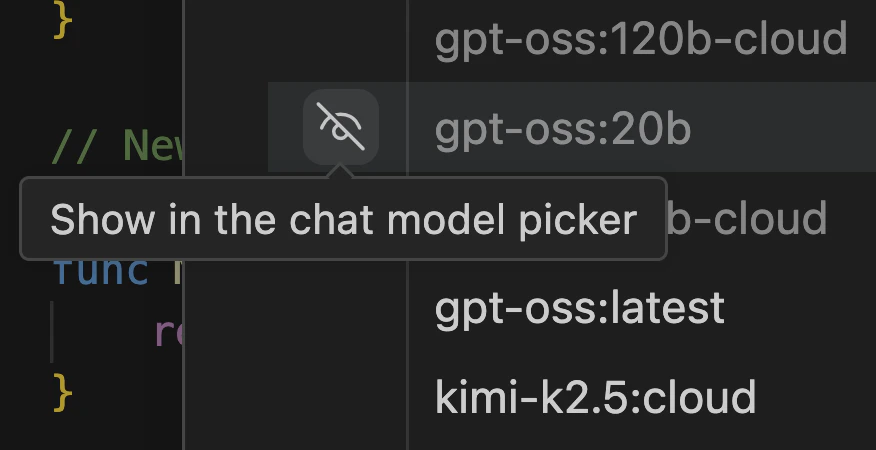
Click the Unhide button in the model picker to show your Ollama models